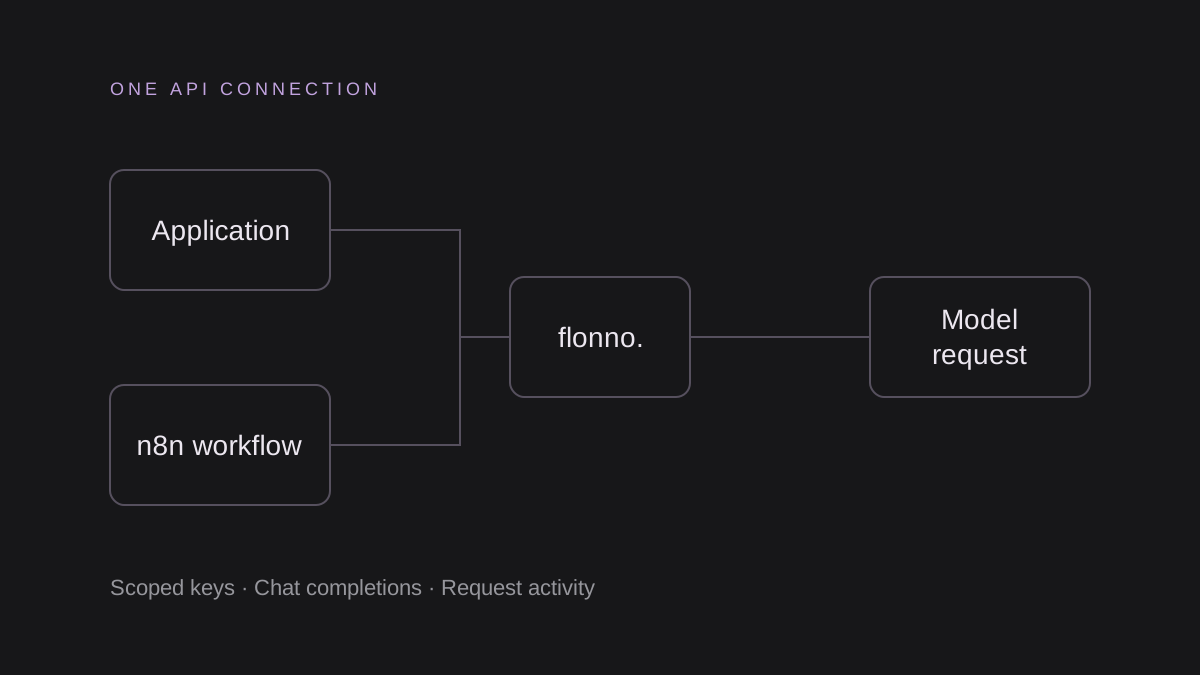
Prepare your model route
Use an existing LiteLLM installation and a Flonno key restricted to the model you want to serve. Store FLONNO_API_KEY in the LiteLLM server environment, not in the configuration file.
This guide configures Chat Completions through the generic OpenAI-compatible provider. It does not mean Flonno is listed as a native LiteLLM provider or included in a hosted marketplace.
Add the configuration
Download litellm.yaml from /integrations. The openai/ prefix selects LiteLLM’s OpenAI-compatible integration; api_base points to Flonno and model_name defines the name your client requests.
# Set FLONNO_API_KEY in the LiteLLM server environment before starting.
model_list:
  - model_name: flonno-glm
    litellm_params:
      model: openai/glm-5.3-flash-tee
      api_base: https://www.flonno.com/v1
      api_key: os.environ/FLONNO_API_KEY
      max_tokens: 512
Test through your own proxy
Start LiteLLM using your installation’s documented configuration command. Send a Chat Completions request to your own proxy using model flonno-glm and your proxy’s own authentication key. The proxy loads the Flonno credential from its server environment.
Do not send the Flonno credential to users of your proxy. Check LiteLLM retries, logging and fallback settings; they can affect costs and determine which service receives your request. This configuration has not yet been exercised in a live LiteLLM runtime.
Check the boundary of compatibility
The example uses text messages, non-streaming generation and a 512-token output cap. Test tools, structured outputs and streaming independently against the selected model before enabling them in an application.
Avoid /responses, embeddings and multimodal requests unless Flonno explicitly implements and verifies those endpoints. A matching SDK request shape does not prove every model feature behaves identically.
Verify usage and data handling
A successful request returns a Chat Completions response. Inspect choices[0].message.content and provider-reported usage, then check the Flonno Activity logs. HTTP 401 indicates an authentication issue, 403 an access restriction, 402 insufficient prepaid funds, and 400 an invalid request. Check the response body before changing settings.
Flonno receives request content and currently forwards all model requests to an external inference service. Self-hosted inference and automatic overflow are target architecture. Gateway activity logs omit prompt and response bodies, but your client tool and the external service have their own data handling. Review the privacy notice before using customer data.
QUICK ANSWERS
Frequently asked questions
Do the examples include free API credit?
No. Check your wallet and current model prices before running generation.
Where can I download the examples?
Open the public Integrations page at /integrations. It includes workflow JSON and server examples.