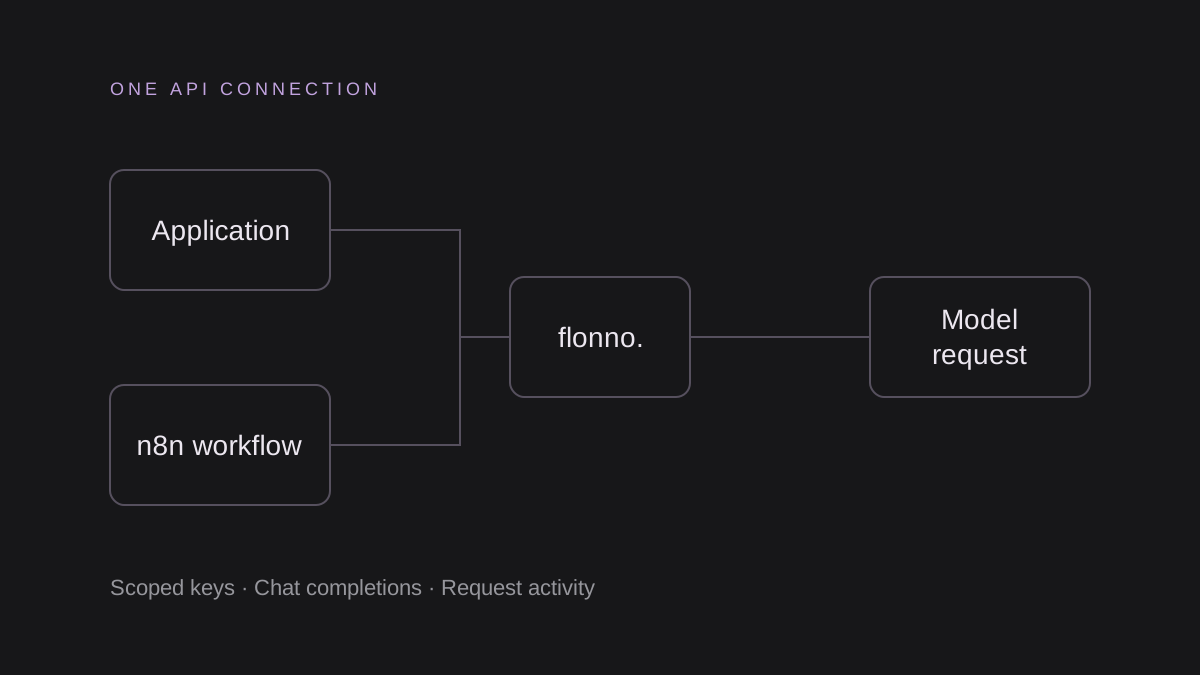
Prepare a scoped key
Create a Flonno account, open API keys and create a dedicated n8n key with chat:completions and access to the model you will use. Add models:read only if a node lists models. Confirm the current price and sufficient balance in Billing before making a paid request.
The public Integrations page provides support-triage.json, product-copy.json and document-extraction.json. Each template starts inactive, uses a Manual Trigger, supplies sample input and sends one capped text request. Templates are starting points; live execution in n8n has not yet been verified.
Import the workflow and select credentials
Download a template from /integrations and use n8n’s Import from File workflow menu. Open Call Flonno, use Generic Credential Type with Header Auth, and create a credential whose header name is Authorization and value is Bearer followed by your Flonno key. Store the secret in credentials rather than the workflow JSON.
The HTTP Request node sends POST to https://www.flonno.com/v1/chat/completions using an application/json body and a 120-second timeout. No API key is included in the downloads. If your n8n version changes node settings, confirm the method, URL, authentication and body before executing.
Run a ticket classification sample
Edit the Sample input node with non-sensitive ticket text. Execute Workflow and inspect choices[0].message.content in Call Flonno. The prompt asks for category, urgency and summary as JSON, but you must parse and validate the result before connecting a ticketing system.
The example does not update tickets or send replies. Keeping review between generation and a customer-facing action makes it easier to detect incorrect categories and invented details.
Reuse the pattern for product copy and documents
The product template drafts a description from supplied facts. Check every claim before publishing. The extraction template receives invoice text and asks for named fields, using null for absent values. It does not read PDFs, perform OCR or fetch remote files.
The templates cap output at 512 tokens. This bounds the requested output, not the entire cost: input tokens are charged separately and reasoning can consume output capacity. Adjust the limit after checking your chosen model’s response.
Review execution storage
The templates disable successful, failed and manual execution saving in their workflow settings. Review how your installed n8n version applies those settings and how administrators, backups and integrations handle data. Avoid placing real customer documents in sample input or pinned execution data.
Verify usage and data handling
A successful request returns a Chat Completions response. Inspect choices[0].message.content and provider-reported usage, then check the Flonno Activity logs. HTTP 401 indicates an authentication issue, 403 an access restriction, 402 insufficient prepaid funds, and 400 an invalid request. Check the response body before changing settings.
Flonno receives request content and currently forwards all model requests to an external inference service. Self-hosted inference and automatic overflow are target architecture. Gateway activity logs omit prompt and response bodies, but your client tool and the external service have their own data handling. Review the privacy notice before using customer data.
QUICK ANSWERS
Frequently asked questions
Do the examples include free API credit?
No. Check your wallet and current model prices before running generation.
Where can I download the examples?
Open the public Integrations page at /integrations. It includes workflow JSON and server examples.